
Apps and free tools for HubSpot
Make
HubSpot
do more.
Apps your HubSpot partner installs, and free tools you download — built from real portals, for the portal you already run.
9 walk-throughs — every app shown working 5 free tools with their source Independent — not affiliated with HubSpot
01 What this is
Extensions for the portal
you already run.
worksby.design publishes HubSpot tools built from real portals — released with their evidence, kept working after. Not a platform to migrate to, and not a separate system to keep in sync: everything here runs inside HubSpot, where your team already works — on the record, on the page, in the app. An independent publisher, founded in 2026 in the Netherlands; what it is and who builds it →
02 The walk-throughs
See each one work.
Every app, and two of the free tools, shown working on a HubSpot demo portal with invented records — most in two to three minutes, all with English captions. Each picture opens the video on its own page.
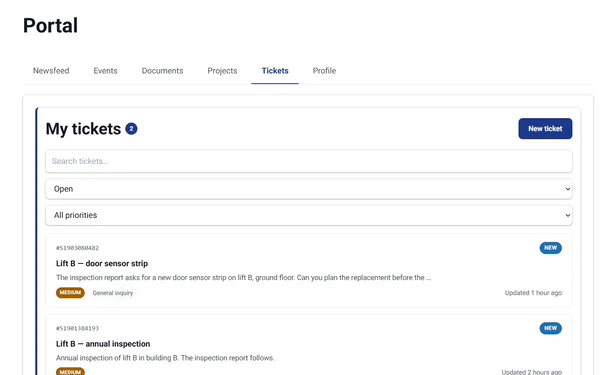 Video · 2:08
Members Portal
Watch →
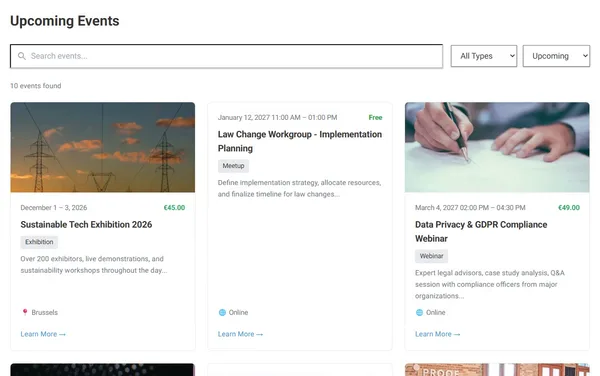 Video · 3:13
Events
Watch →
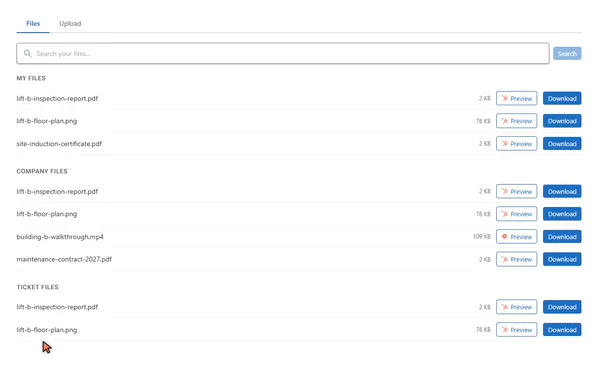 Video · 2:26
File Manager
Watch →
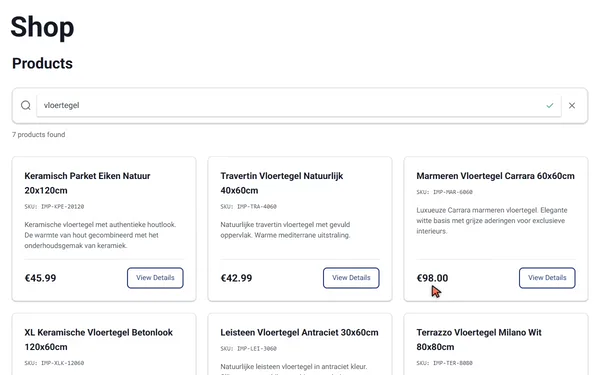 Video · 2:32
Commerce
Watch →
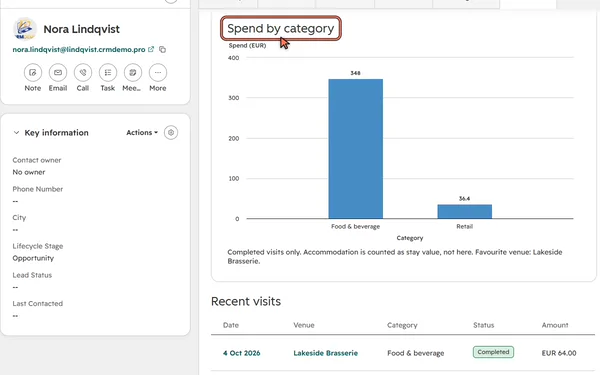 Video · 2:48
Hospitality
Watch →
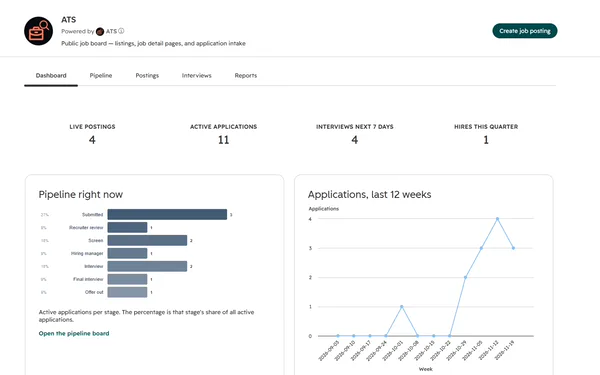 Video · 10:46
ATS
Watch →
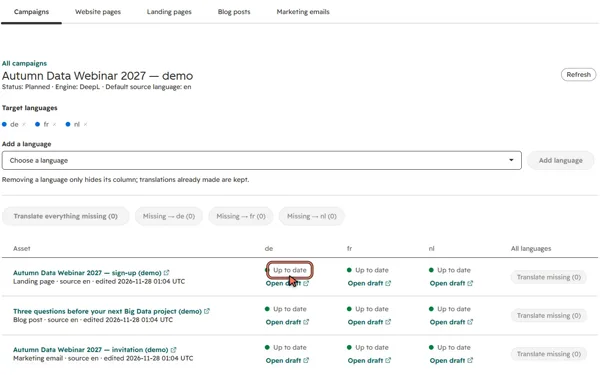 Video · 2:25
Translation Studio
Watch →
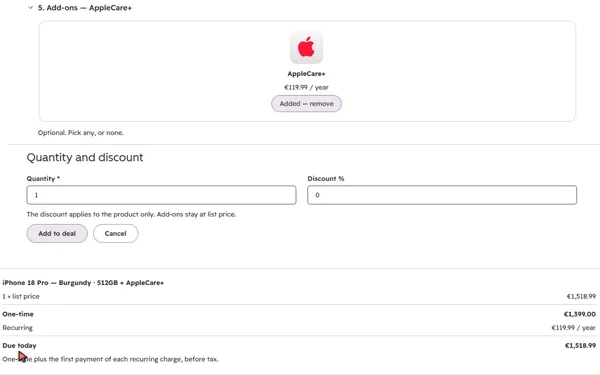 Video · 2:57
Product Configurator
Free tool · Watch →
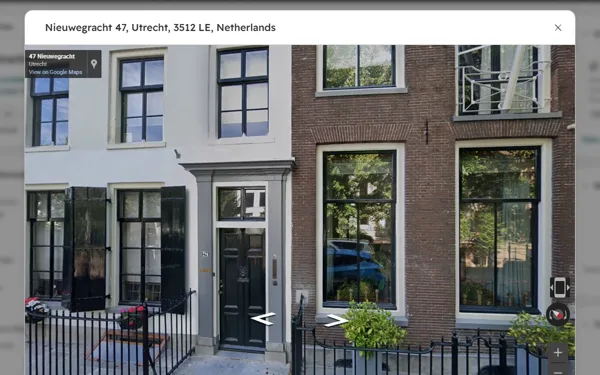 Video · 1:49
Maps & Streetview
Free tool · Watch →
03 What is published
Ask your partner, or download.
Every app and tool is one of two things: an app your HubSpot partner installs, or a free download. The references behind them are free to read.
Apps.
Members Portal with its Tickets add-in, Events, File Manager, Commerce, Hospitality, ATS and Translation Studio — available through selected HubSpot partners, who install them, set them up and support them.
- A walk-through on every app's page
- Where your data is, and who does what, on every app's page
- Maintained across HubSpot platform versions
Free tools.
Theme Fasterrr, the Quote Module Collection, and three CRM cards — Product Configurator, Maps & Streetview and UI Games — under Apache 2.0, with their source.

References and guides.
The guide or reference for each app, and HubSpot guides from building them — every page also served as plain Markdown for AI assistants.
Documentation MCP.
The HubSpot documentation behind these tools, for your AI assistant — read-only, per person, revocable.
04 How an app reaches you
Three steps, one door.
An app comes to your portal through your own HubSpot partner — the people who already know how your team works.
01 — Watch it work
Every app's page opens with its walk-through, recorded on a HubSpot demo portal with invented records, and says where your data is.
02 — Ask your HubSpot partner
Every app is available through selected HubSpot partners. Send your own partner the app's page — it is written for both of you.
03 — They install and support it
Your partner installs the app on your portal, sets it up with you, trains your team and supports you. worksby.design keeps it working as HubSpot's platform versions move.
05 How it is built
Evidence, native, restraint.
Three rules decide how every tool here is built. The promise that follows: HubSpot's platform versions move, and the tools move with them.
Evidence
Proof over persuasion. Every app is shown working in a walk-through, and every number on this site carries its method and the day it was taken.
Native
Extend the portal, never replace it. The apps keep their records in your HubSpot portal, and each app's page says what, if anything, is held outside it.
Restraint
Build only what HubSpot does not already do, and say so — including what an app does not do, and what is built but not yet proven.
06 What's published
Numbers with
a method.
Four counts, each with its method and the day it was taken. A metric with no method is hype with a font size.
7
Apps
Listed on /apps, through selected HubSpot partners — counted
9
Walk-throughs
Videos on this site, one for every app and two free tools — counted
5
Free tools
Apache 2.0 downloads with a public repository — counted
0
Blocking webfonts
System stacks, every page — counted
07 Questions
Six questions, answered.
How do I get one of the apps?
Ask your HubSpot partner about it. Every app is available through selected HubSpot partners, who install it on your portal, set it up with you and support it.
Who do I call when something needs attention?
Your HubSpot partner. They installed the app and they support it. worksby.design builds each app, publishes it and keeps it working as HubSpot's platform versions move.
Where is my data?
The apps keep their records in your HubSpot portal. Where an app holds anything outside it, that app's page says what and why, under Where your data is.
Can I see an app before I ask about it?
Yes. Every app's page opens with its walk-through, recorded on a HubSpot demo portal with invented records. Most take two to three minutes.
What comes with a free tool?
The download, its install guide and its source, under Apache 2.0. You upload it to your own HubSpot account. See the free tools →
Is worksby.design part of HubSpot?
No. worksby.design is an independent publisher — not affiliated with or endorsed by HubSpot, and not a HubSpot partner. HubSpot is the platform these tools extend. What it is and who builds it →
Every app's page says where your data is.
What stays in your HubSpot portal, what passes through worksby.design's service, and why — written per app, from its own documentation, beside its walk-through and who does what.