
Apps
Apps your HubSpot
partner installs.
Seven apps that extend HubSpot, built on the CRM records you already keep. All seven are available through selected HubSpot partners, who install them, set them up and support them.
01 The apps
The portal first, then what works with it.
The Members Portal is the place your customers sign in to. Tickets is its add-in, Events and File Manager each add a tab of their own, and Hospitality's guest wallet is built as one. Commerce, ATS and Translation Studio do not need it.
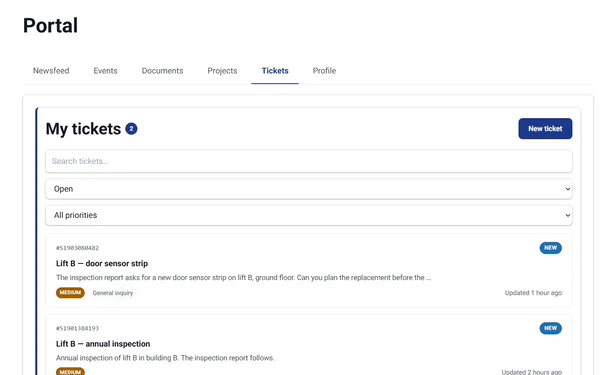
Members Portal
One signed-in place on your website for each customer — her tickets, her documents, her events — built on the HubSpot records your team already keeps.
- Tickets, its add-in: a member reads your team's answer and replies, and the same conversation is on the ticket in HubSpot's help desk
- Tabs from other apps: documents from File Manager and event tickets from Events, with Hospitality's guest wallet built as a tab
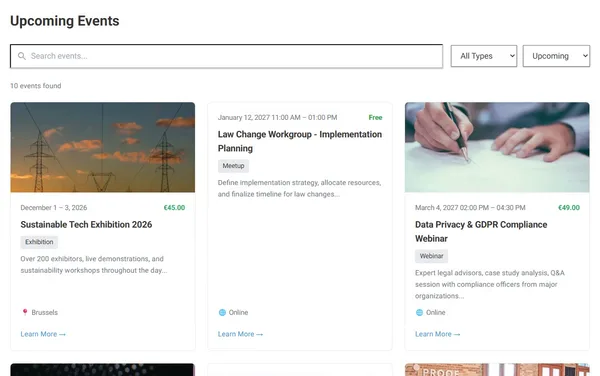
Events
Registration on your own website with a QR ticket at once, a waitlist that fills itself, and every registration a CRM record.
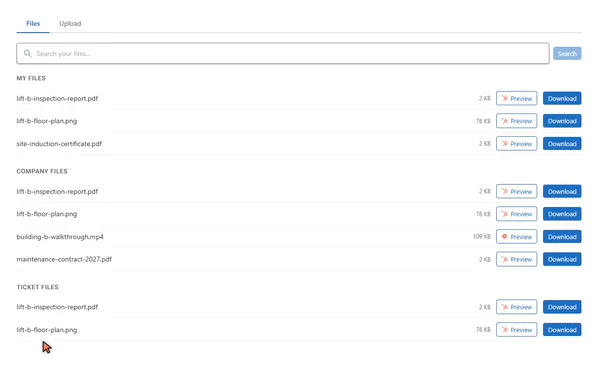
File Manager
A file library on your website, with every document filed on the contacts, companies and tickets it belongs to.
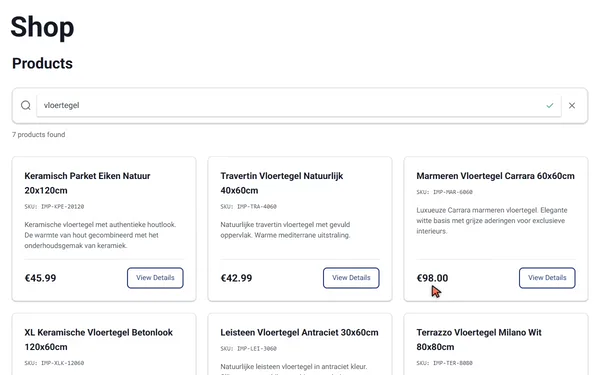
Commerce
A webshop and quotes on your HubSpot website, with carts, orders and payments on HubSpot's own records — the cart is in HubSpot before anyone pays.
Hospitality
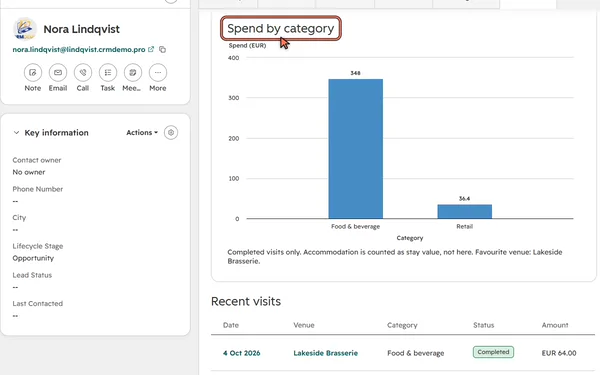
One guest record in HubSpot for hotel, restaurant, resort and wellness groups — stays, visits and spend per venue on the contact, with points, gift cards and vouchers.
ATS
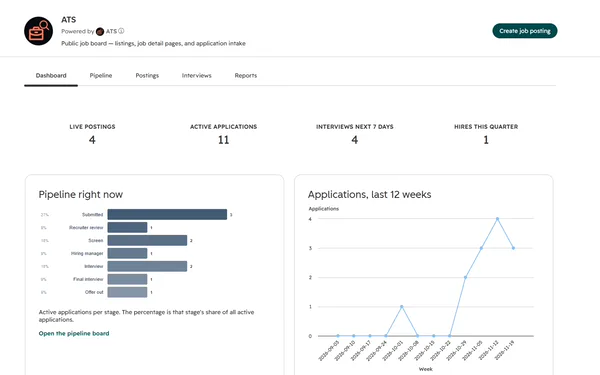
A branded careers site and applicant tracking system on HubSpot, with candidate matching and recruiter cards on the records you already use.
Translation Studio
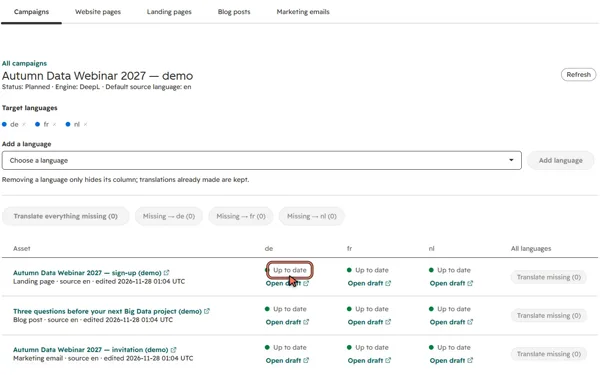
A campaign's pages, posts and emails translated into the languages it needs, as drafts in HubSpot, with your team's glossary on every run. A proof of concept.
Looking for a download?
Theme Fasterrr, the Quote Module Collection and three CRM cards are free downloads with their source, under Apache 2.0.
02 Getting them
Ask your HubSpot partner.
Every app on this page is available through selected HubSpot partners. Ask your own HubSpot partner about the one you need. Each app's page shows its walk-through, where your data is and who does what.
01 — Watch it work
Every app's page opens with its walk-through, recorded on a HubSpot demo portal with invented records, and says where your data is.
02 — Ask your HubSpot partner
Every app is available through selected HubSpot partners. Send your own partner the app's page — it is written for both of you.
03 — They install and support it
Your partner installs the app on your portal, sets it up with you, trains your team and supports you. worksby.design keeps it working as HubSpot's platform versions move.